

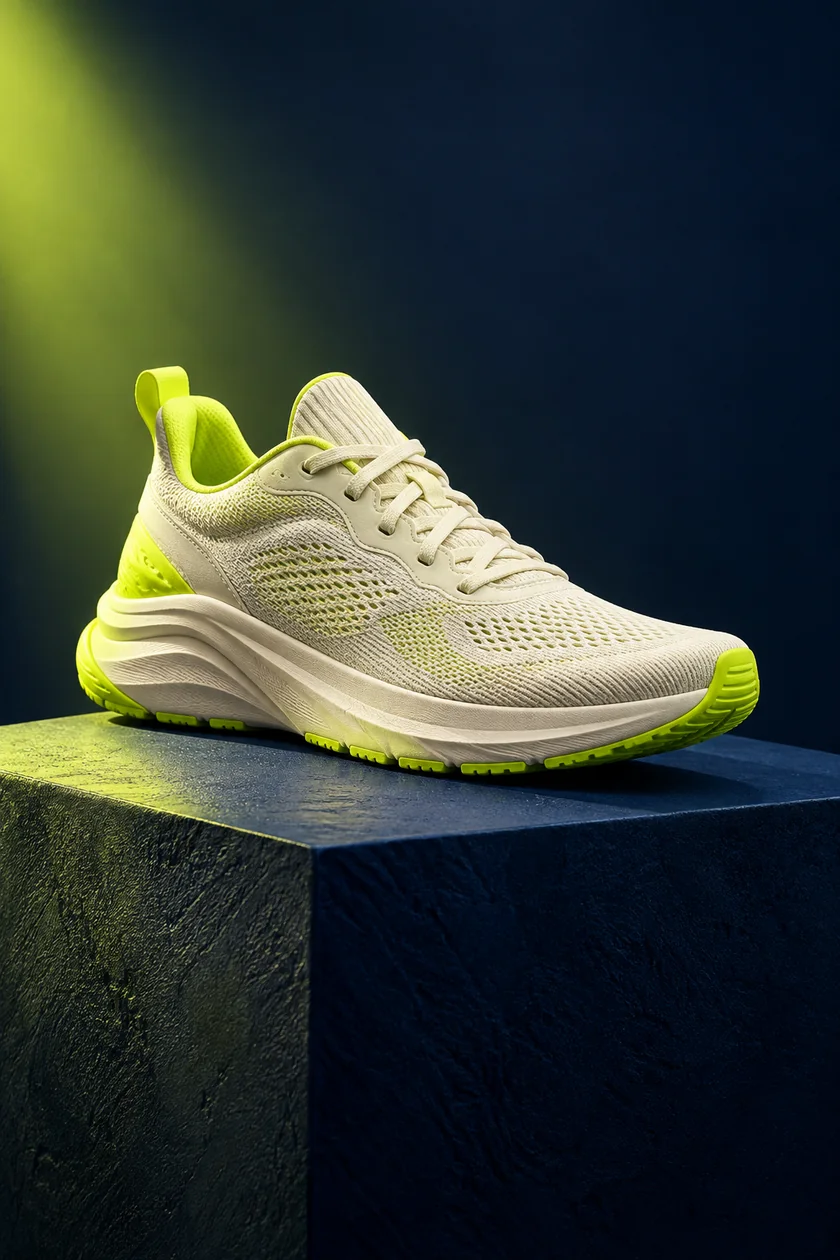
 PRODUCT SPOTLIGHT
Made foryour next move.
9:16 · 3 scenesAI-generated image · Template previewProduct ads
Plan your next original video with Hypit AI.
AI agent cloning and paid generation are in development. Use the free browser studio for image-based drafts today.
A good starting point. An entirely new story when you’re done.
PRODUCT SPOTLIGHT CREATOR STORY
 LIFE IN THE DETAILS
You don’t need a complicated workflow to get your first version out of your head.
Try the browser studioA product reveal? A creator story? Start with a structure that fits what you want to say.
Write your own hook, edit the scenes, and bring your image. Make every line sound like you.
Play your short, download the video or script, and take your next version wherever you create.
Edit every caption and see exactly how it lands. Three scenes give your story a beginning, a middle, and a next step.
Your uploaded image stays in your browser. Build a draft without sending your product assets to another service.
Export a captioned video, save a scene plan, or take your script to an AI video workflow when your idea needs more.
Find the rhythm worth learning from, then build a story of your own.
Read the guide 02WRITE FOR THE SCROLLGive someone a reason to stay without promising more than you deliver.
Read the guide 03FIND YOUR WORKFLOWUnderstand what you need before you choose your next creation tool.
Read the guideKnow what you can make before you start.
You can customize a three-scene short with your own words, choose a portrait or square format, preview the animation, and export a silent WebM video in a supported browser. You can also download the script and scene plan.
The browser studio does not generate new AI footage or audio. It animates a selected image and your captions. The example images are AI-generated. Our guides explain how to prepare a brief for an external AI video tool when you need generated scenes or voice.
No. Hypit.me is an independent browser video studio, with no affiliation to hypit.io or hypit.video. Our comparison explains the differences between this studio, the hypit.io resource library, and the AI agent workflow described on hypit.video.
Yes. Add a JPEG, PNG, or WebP image in the studio. It stays in your browser for the current session and is not uploaded by Hypit.me. Use an image you own or have permission to use.
No account, API key, or payment is needed for the current browser studio. Your text draft is saved on this device when browser storage is available.
A template helps organize your story; it cannot predict reach. Start with a specific audience, show a clear idea, and compare real watch-time and response data after you publish.
Searching for Hypit AI can lead to several different tasks: finding an example, preparing an original script, or choosing a production tool. Hypit.me is an independent starting point for those decisions, with a free short video maker you can use immediately. It is not affiliated with hypit.io or hypit.video. If you need to distinguish the sites, read the Hypit AI workflow comparison before choosing a tool.
The planned Hypit AI direction uses AI agents to help rebuild video formats around your own material. Automated cloning is still in development. Today, our viral video templates provide editable story structures rather than a promise of reach or automatic reproduction. The Hypit video guide collection helps you prepare a brief while the free editor turns an existing image into a short draft.
For a first Hypit AI draft here, bring one image and one clear message. The studio animates the image across three captioned scenes and exports a silent WebM file. This image to video workflow is useful for a small product introduction, a personal observation, or a visual routine. Generated footage, voice synthesis, and automated reference cloning require a different production workflow.
Write what your viewer should understand before picking a format. A Hypit AI brief for a desk organizer might introduce the item, point to a visible compartment, and finish with a relevant next step. The product reveal template provides that structure. A personal experience instead belongs in the creator story format, where the middle explains what changed.
A good Hypit AI draft adds information as it progresses. Avoid repeating the same promise in all three captions. Use the first line to establish the topic, the second to supply a detail, and the third to complete the thought. Our short video hooks guide includes questions and observations you can adapt without inventing results or borrowing another creator's script.
The Hypit AI templates library contains six editable formats. Start with the story shape that suits your material, then replace the sample captions and image. For an everyday moment, the daily routine format connects context, action, and a small takeaway. For a quieter visual study, the cinematic lifestyle format gives the image more room.
You can plan a Hypit AI video with these formats even when the final production will happen elsewhere. Download a readable script or a JSON brief to preserve your scene notes. Those files are portable planning aids, not native project files for an external Hypit application. Keep your original image alongside them so another editor has the source material as well as the words.
Play your Hypit AI draft at a phone-sized view and read every caption. Check the crop in portrait and square, confirm that the image supports the message, and inspect the ending. The no signup video editor works locally with your selected image, while text preferences are saved in this browser when storage is available. The video privacy page explains what remains on your device.
Export the Hypit AI draft, then watch the actual download from start to finish. Use the video export checklist to review file format, dimensions, and playback. If your destination needs MP4 or audio, complete those steps in a suitable editor. A successful export confirms that you have a file; audience understanding and response still need to be evaluated after the final work is shared.
For a guided first attempt, follow the Hypit AI tutorial path. It connects reference analysis, writing, templates, and export review so you can improve the part that needs attention. Read about this independent video studio for our current capabilities and editorial approach. Start with one useful short, save its source files, and make the next version around a specific lesson from your review.
Planning a paid AI workflow? Review the planned Hypit AI pricing and current availability before choosing a subscription.
Bring the idea. We will give you a place to start.